Upload part
Drag in your STEP file and choose part material. MoldAid measures wall thickness, finds undercuts, and suggests which direction to split the mold.
No payment, no obligation.
3 seconds for the part above
MoldAid reads your part and builds the mold: a thin shell in soluble resin, held in two frame blocks that separate at the parting surface. You get print-ready files — and the measurements behind every decision.
The analysis is free. You only pay when you download the files — and if the program rejects your part, you get the reason without paying for it.
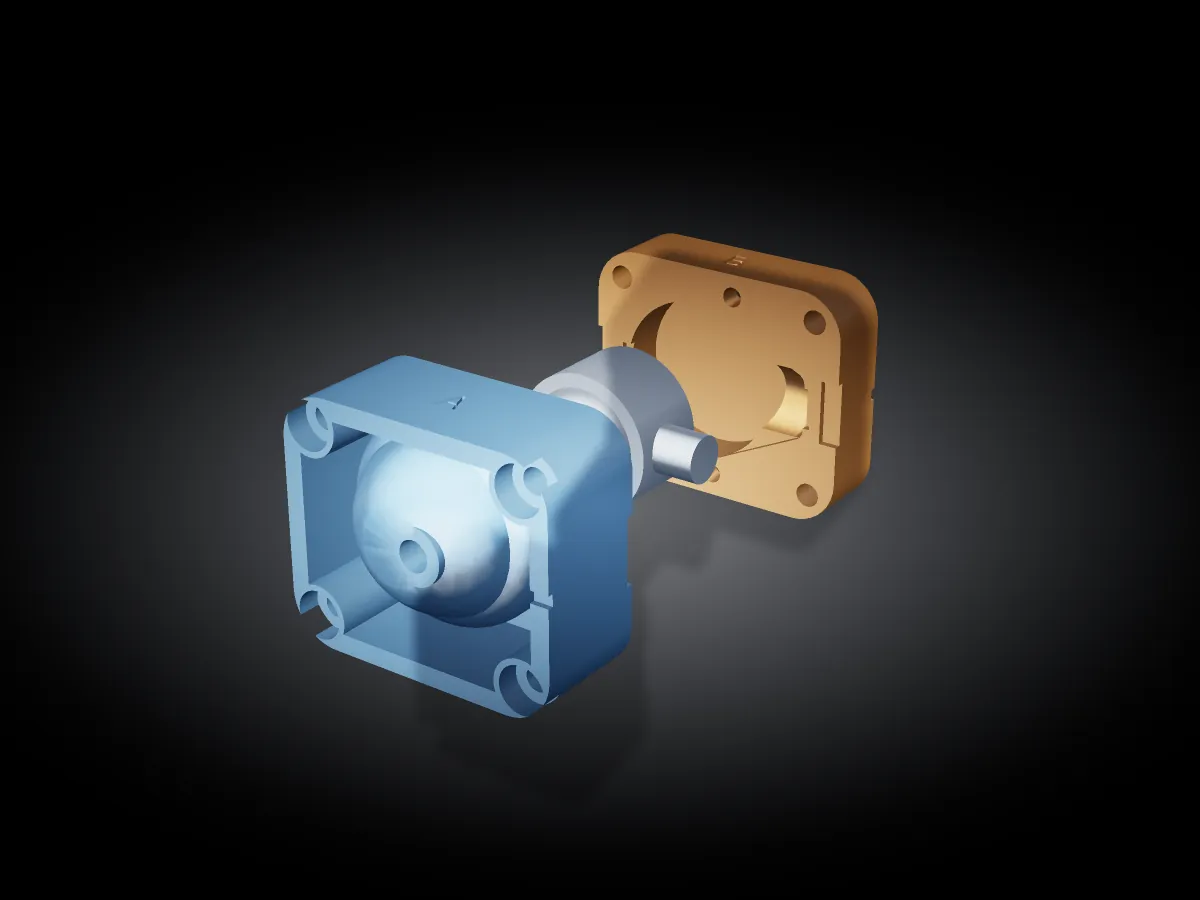
MoldAid built this mold for a part we made up. The machine at the top of the sequence is an illustration — MoldAid calculates the mold, not your injection molding machine. The filling shows how the melt flows; no fill time is shown because the engine itself declines to give one for a part this compact.
You decide, the machine calculates. Every number it shows is measured on your part — not looked up in a table.
The times below were measured on the mold at the top of the page. A larger part takes longer — this is a measurement, not a promise.
Drag in your STEP file and choose part material. MoldAid measures wall thickness, finds undercuts, and suggests which direction to split the mold.
No payment, no obligation.
3 seconds for the part above
The advisor suggests gates and vents and explains why. The flow check fills the part so you can see where the flow fronts meet and where the air ends up.
If the model says no, you get the reason — and how confident it is about it.
4-5 minutes for the part above
The mold is built: the shell, the two frames, guide pins, and vents. You get print-ready STL and STEP files plus the resin cost and print time.
This is where you pay — and only here.
49 seconds for the part above
On the part at the top of the page, MoldAid found a face that gets stuck in the mold. Not a general warning — one specific face, measured at one specific split line, with the number that decided it. And when something holds up, it also says what was measured.
One face is trapped inside and cannot be released along ±Z at that split line. You must either split it along another axis or accept it as an undercut — and that is exactly what the shell handles well: it washes away, so the mold does not need to pull off.
The mold can close.
Every check ends like this: one word, the number that decided it, and where it was measured. So you fix what is actually wrong — and print what holds up.
A tool that promises too much costs you a mold instead of saving you one. So both sides are shown here.
It is for prototypes and small production runs. How many shots a mold lasts depends on the part, material, and machine — that number is not listed here because it cannot be predicted without knowing your part.
The program calculates using models, not measurements from your machine. That is why it tells you how uncertain a number is and when a verdict rests on an estimate rather than the geometry. If you have built the mold before and seen it hold up, your own measurement carries more weight.
Create an account, upload a part, and see what it says. The analysis is free.